Find & Organize Leads
Pull Targeted Lists
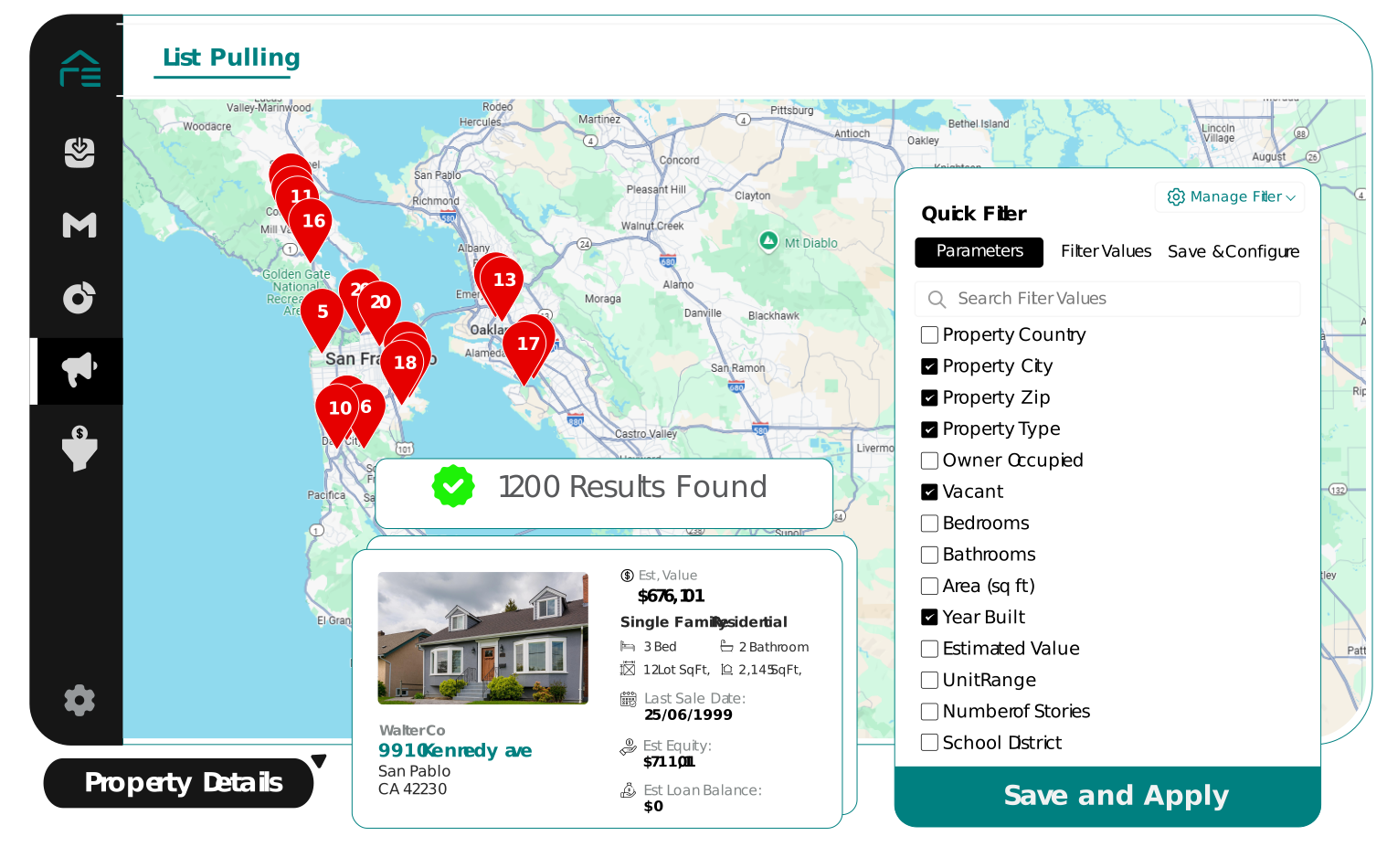
Build property lists using the criteria that matter to your investment strategy, so you start prospecting with the right properties.
Move Straight Into Marketing
Take the shortlisted properties directly into your REsimpli workflow for skip tracing, outreach, and follow-up.
Stack Multiple Lists
Combine lists from different sources, identify overlapping properties, and see which records appear across your campaigns.
Work Your Lists
Add custom statuses, fields, tags, tasks, appointments, files, and team members as you turn raw data into active prospects.
Find What Matters
Use filters and map views to narrow large lists and surface the properties that deserve attention.
Find Phone Numbers
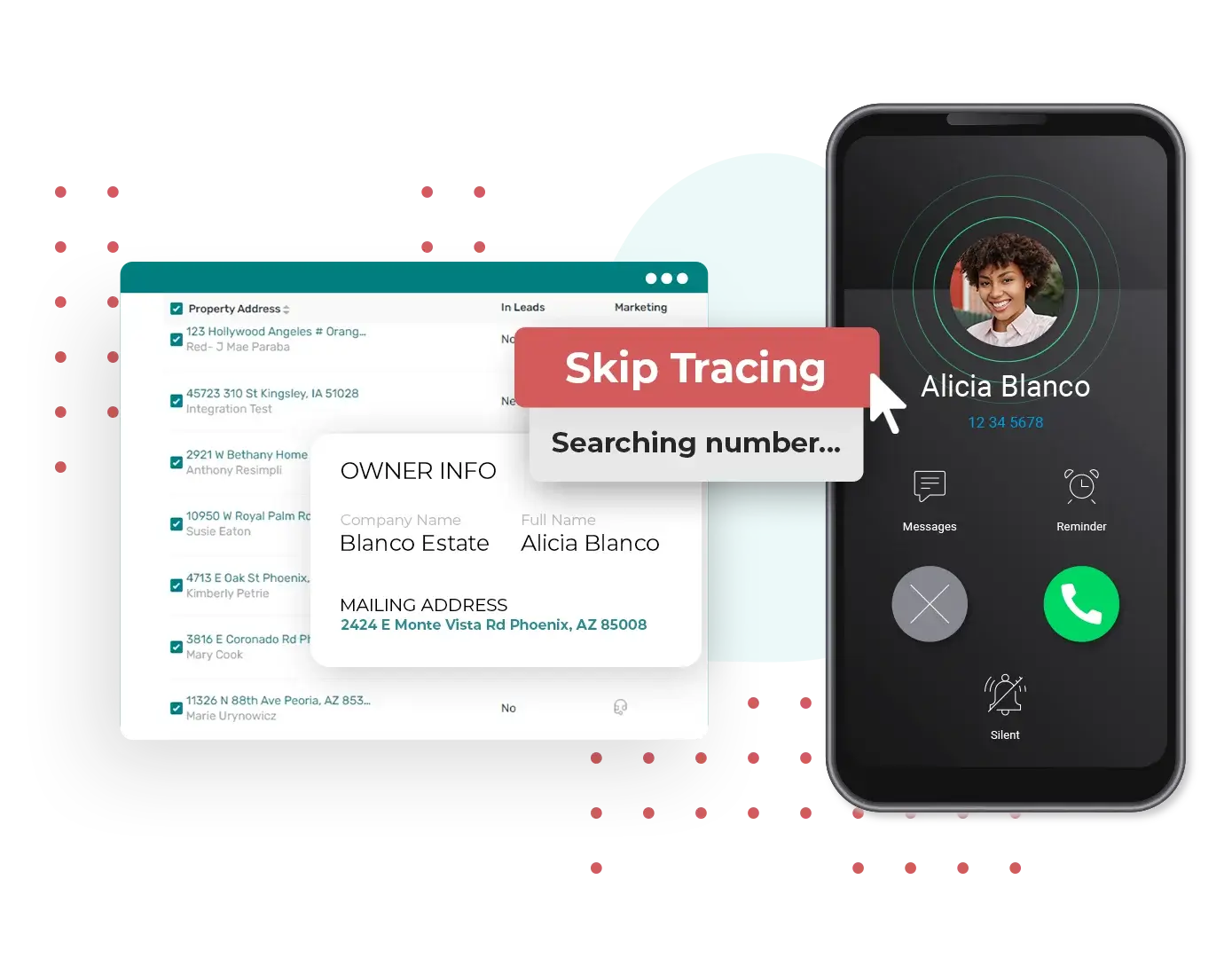
Pull available owner contact information directly from your property records.
Find Email Addresses
Reveal available email addresses for the owners you're trying to reach.
Go From Property to Conversation
Skip trace while prospecting, then move directly into calling, texting, or marketing from the same record.
Give Drivers Mobile-Only Access
Send VAs, contractors, or other drivers into the field without giving them full CRM access.
Create and Track Routes
Build routes, assign them to drivers, and see route status and how many properties were actually driven.
Work From the Street
Capture photos, add notes, skip trace owners, call, send mail, and log door knocks or door tags directly from the mobile app.
Automate & Reach Leads
Trigger Work Automatically
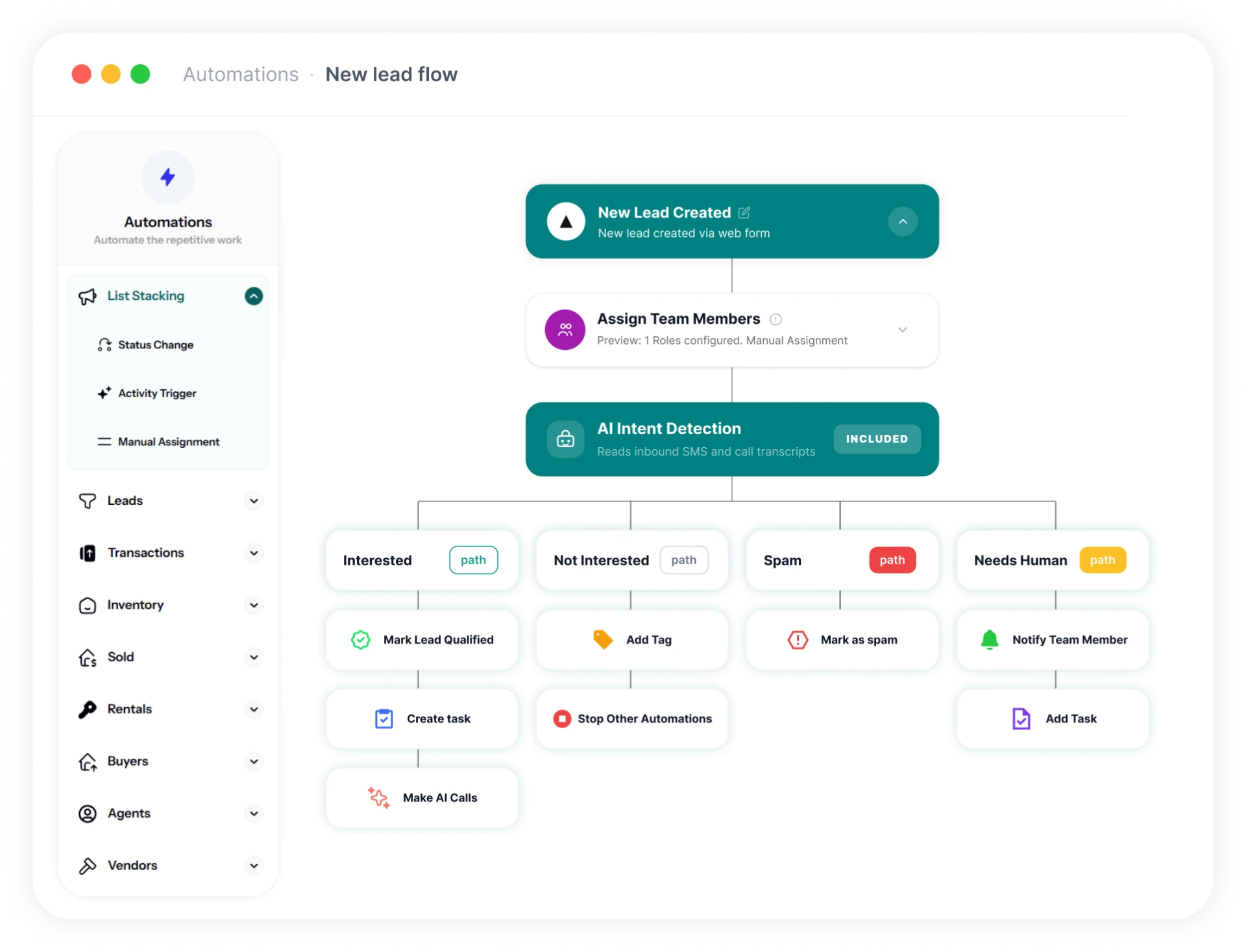
Start actions when leads are created, stages change, calls or texts happen, appointments are booked, or other events occur.
Build Conditional Workflows
Add delays, schedules, conditions, branches, assignments, notifications, and multiple actions to a workflow.
Route the Next Step
Move leads, create tasks, send messages, update fields, and notify the right person based on what happens next.
No Minimum Order Required
Send mail to a single property or launch a larger campaign.
Track Every Mail Piece
See mailed, delivered, returned, and undeliverable pieces so you know what happened after a campaign went out.
Connect Mail to Follow-Up
Use direct-mail activity, including QR scans, as triggers for automated follow-up.
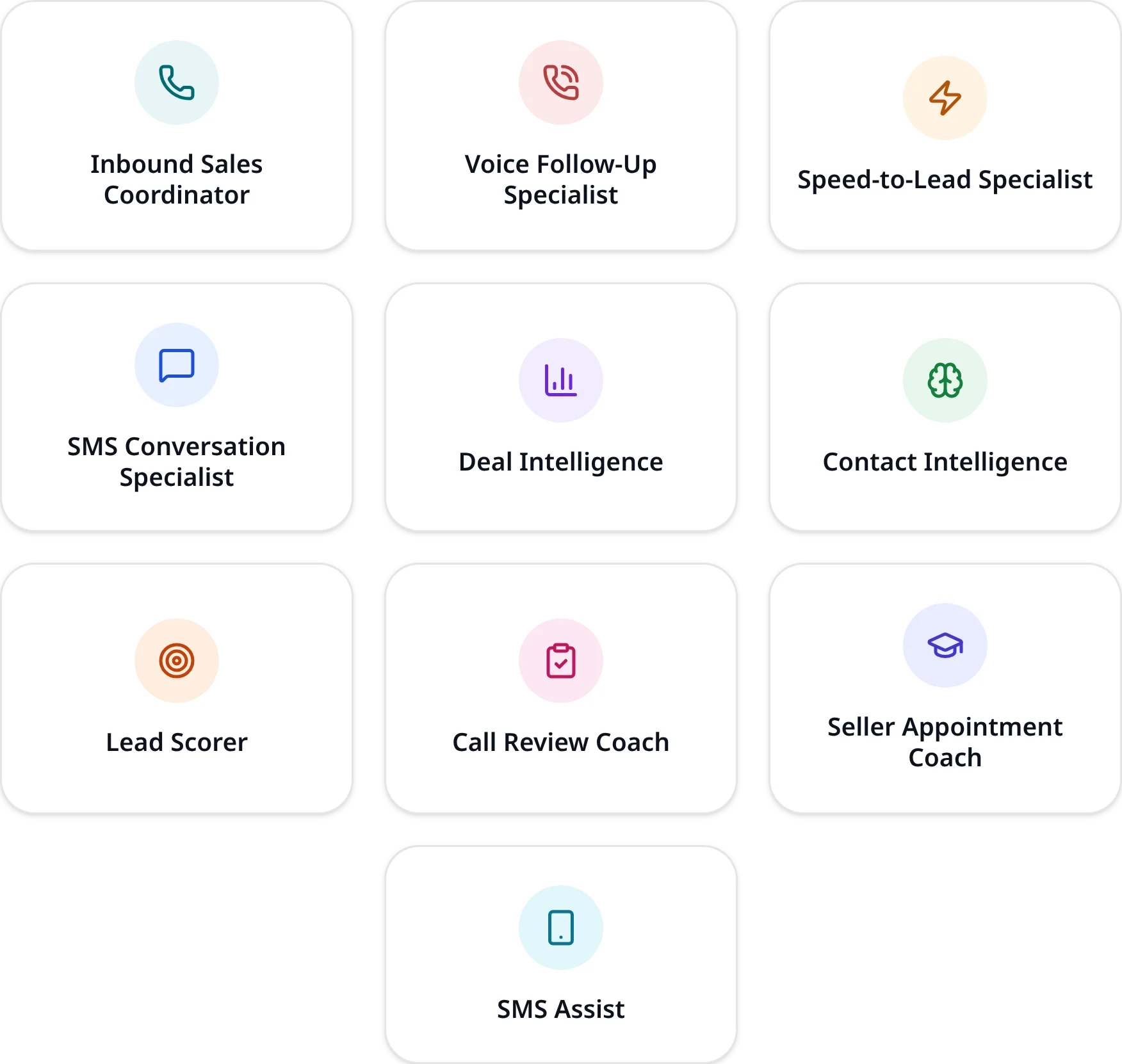
10 AI Agents Trained for Real Estate Investors
Deploy specialized AI across acquisitions, dispositions, and lead management, with agents trained around the way real estate investors work.
Work Acquisitions & Dispositions
AI handles inbound calls, outbound follow-ups, SMS conversations, qualification, scheduling, and deal intelligence across seller and buyer conversations.
Help Acquisition Managers Work Better
Lead scoring, contact intelligence, deal intelligence, call reviews, appointment coaching, and SMS assistance give your team the context they need before taking over.
Connect REsimpli to AI
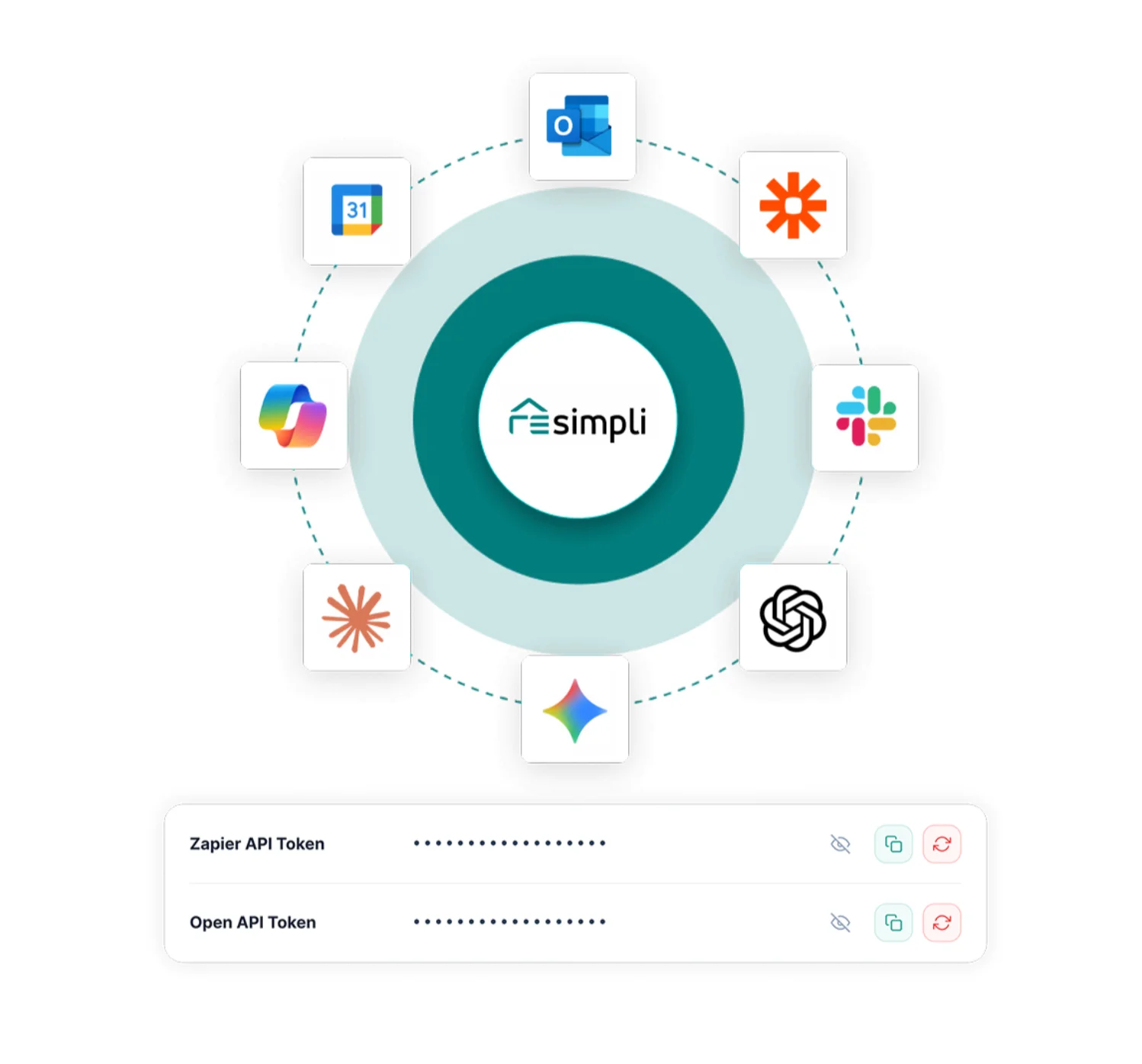
Connect your REsimpli data with tools such as ChatGPT and Claude.
Move CRM Data Between Systems
Work with leads, deals, and activity data outside REsimpli for dashboards, internal tools, and other systems.
Build Custom Integrations
Use REsimpli's API as a foundation for workflows and applications built around your own business processes.
Work Leads & Close Deals
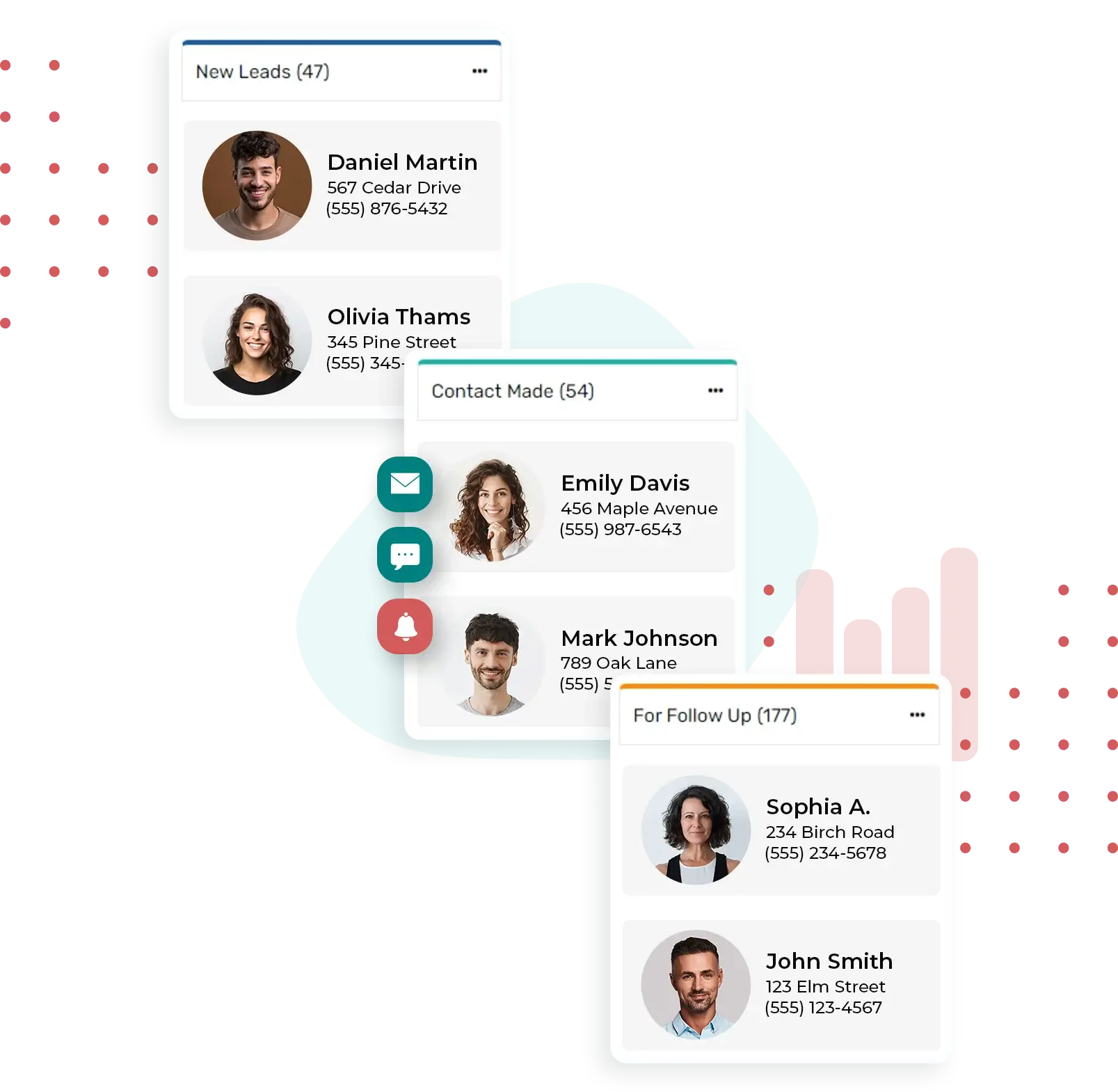
Connect Every Relationship
Keep properties, conversations, activity, and roles connected to the right contact record.
Handle Multiple Roles
Track someone as a seller, buyer, agent, vendor, or other relationship without creating separate records.
Keep the Full Context
See the communication and activity surrounding each relationship without losing the history between interactions.
Build Up to 15 Pipelines
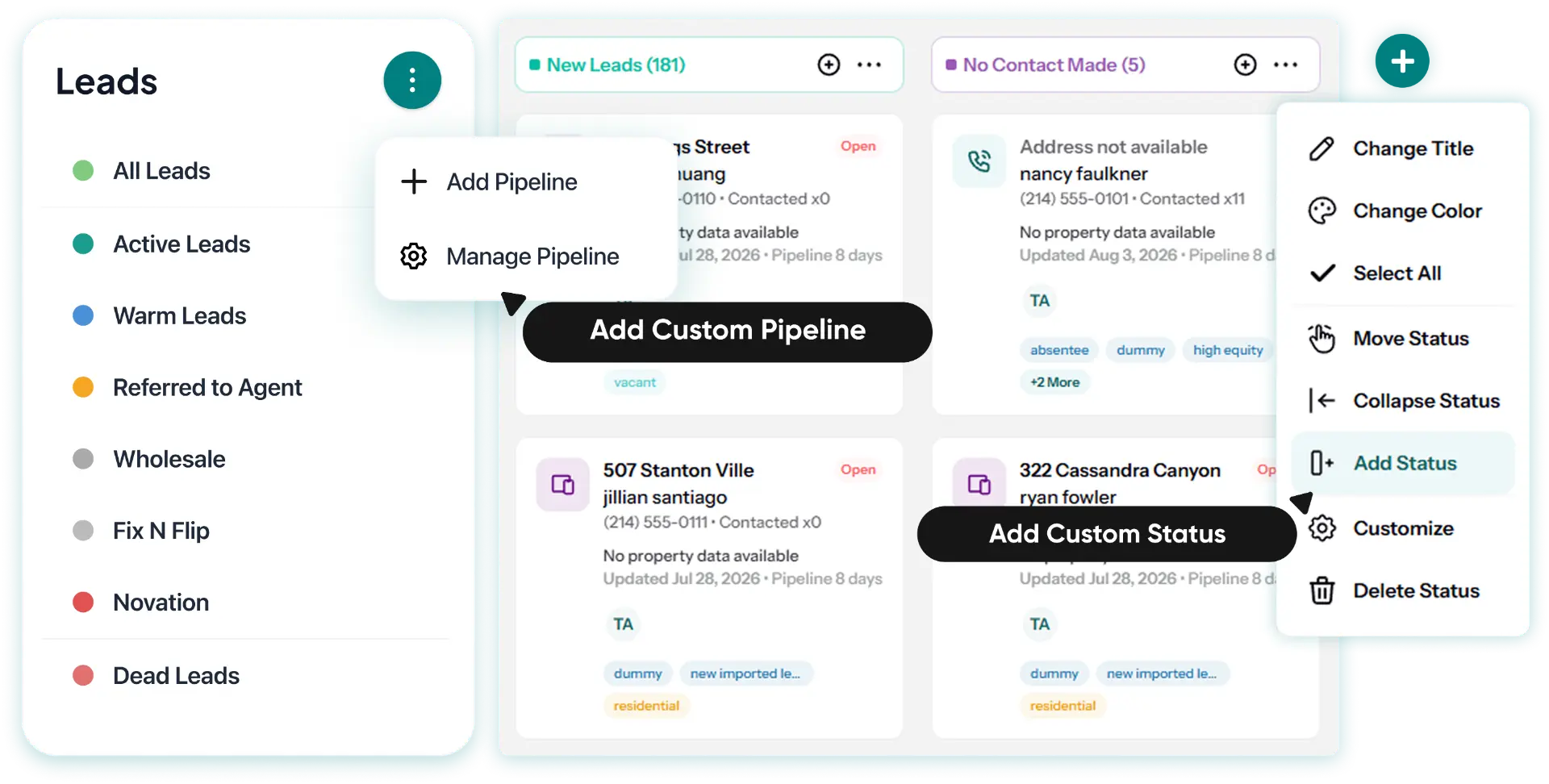
Create separate pipelines for acquisitions, wholesale, land, buyers, transactions, or any other workflow.
Create Up to 15 Stages Each
Define the exact stages a deal moves through instead of forcing every process into the same structure.
Run Each Process Its Own Way
Keep different parts of the business moving through the stages and workflows built specifically for them.
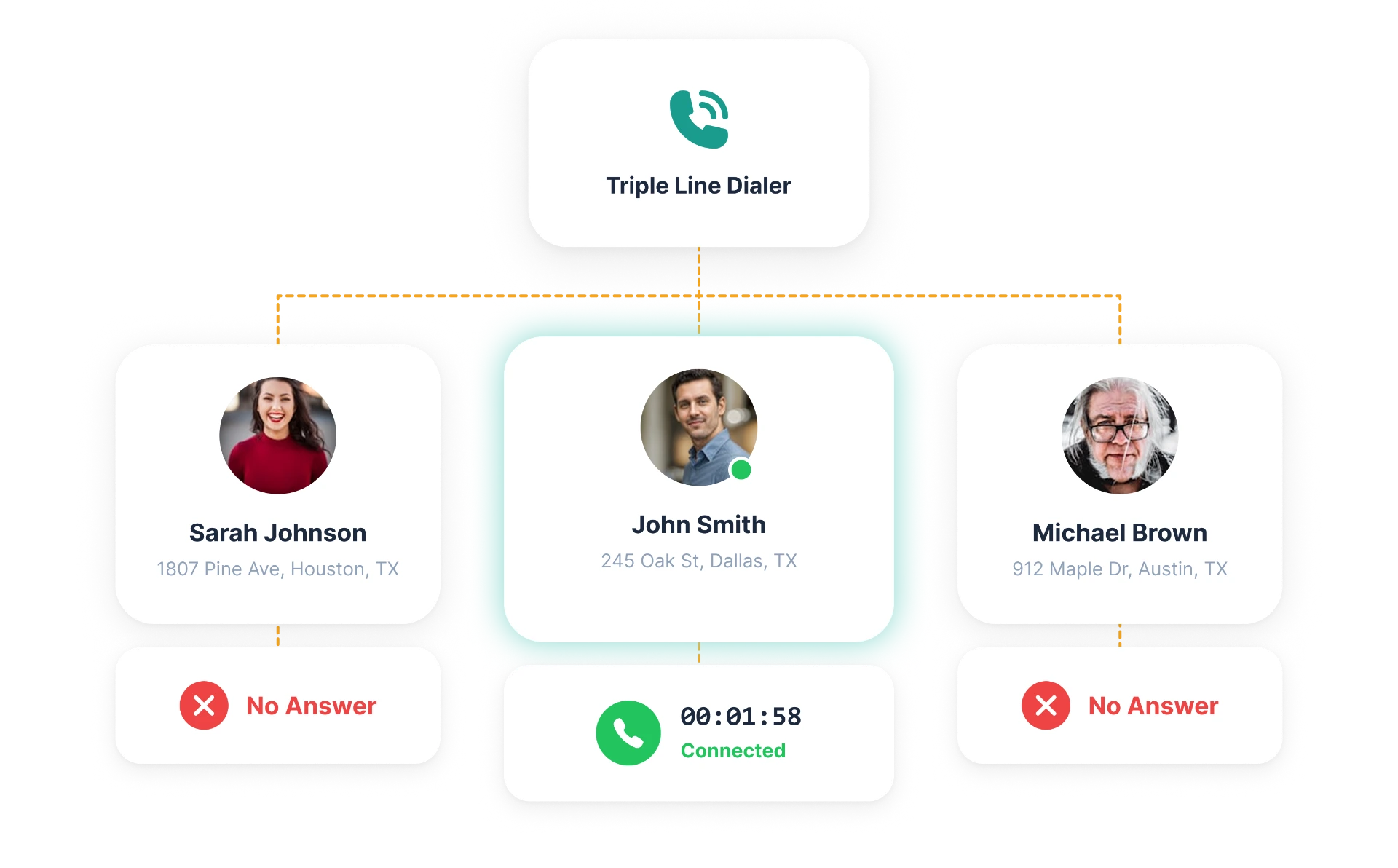
Call Three at Once
Dial three contacts simultaneously and connect when someone answers.
Dial Across Your Entire CRM
Use the triple line dialer across prospects, List Stacking, leads, buyers, agents, and vendors.
Keep Calling From Where You Work
Start calls directly from your CRM records and keep moving through your calling lists without switching tools.
Find Active Cash Buyers
Search buyer records and filter by relevant deal history and criteria.
Match Buyers to Properties
Narrow your buyer pool using the information available on buyers and properties.
Reach Buyers in Bulk
Send personalized SMS and email campaigns across your buyer database.
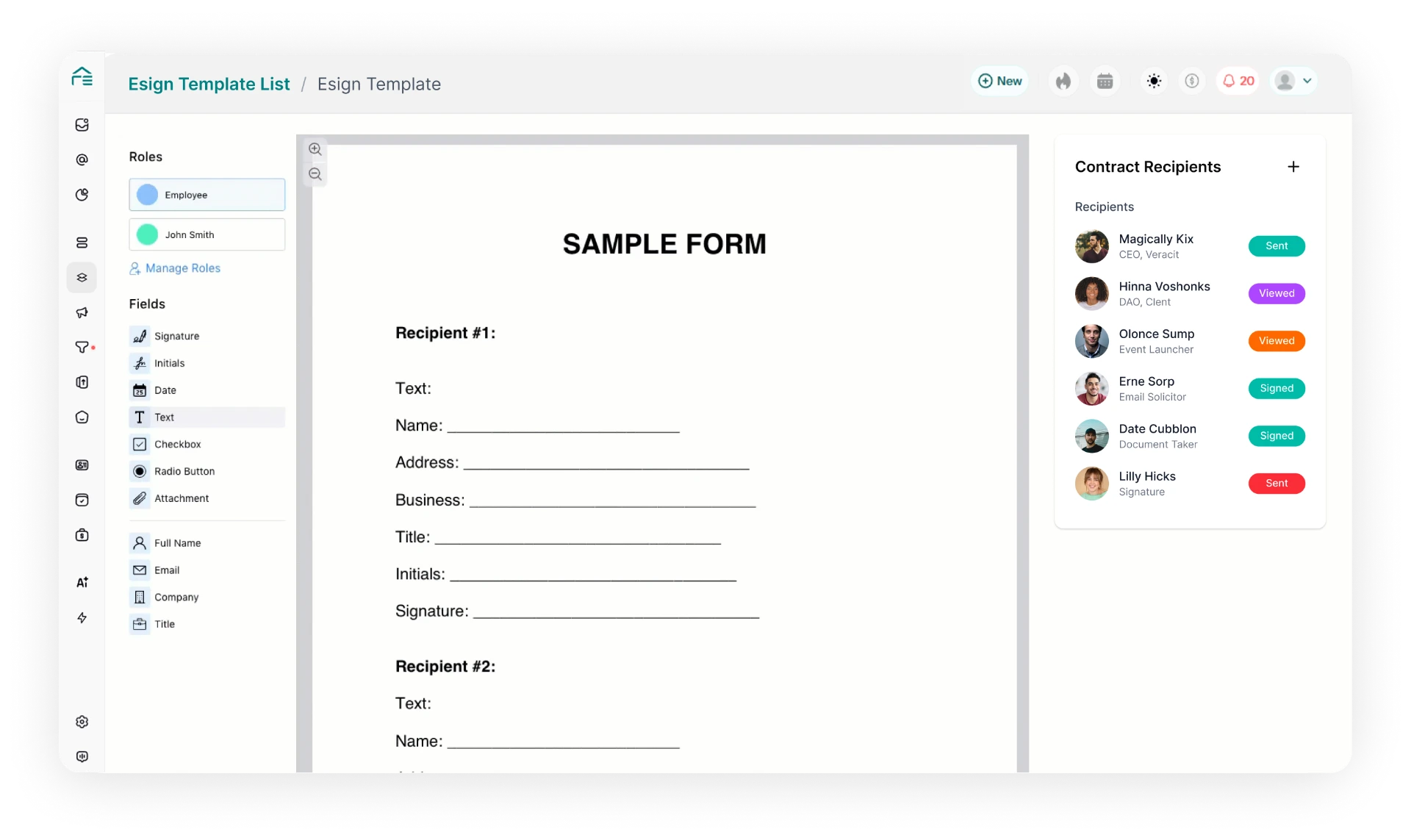
Send Documents Online
Put agreements in front of sellers and buyers digitally.
Sign From Anywhere
Keep transactions moving without coordinating another in-person meeting.
Keep Documents With the Deal
Connect signed documents to the appropriate transaction record.
Optimize Your Financials
Track Your Business KPIs
Monitor leads, calls, appointments, offers, contracts, and other activity across your business.
Measure Marketing Performance
See performance across lead sources, campaigns, and marketing channels.
See What Drives Revenue
Connect activity and marketing performance to the outcomes that matter to your business.
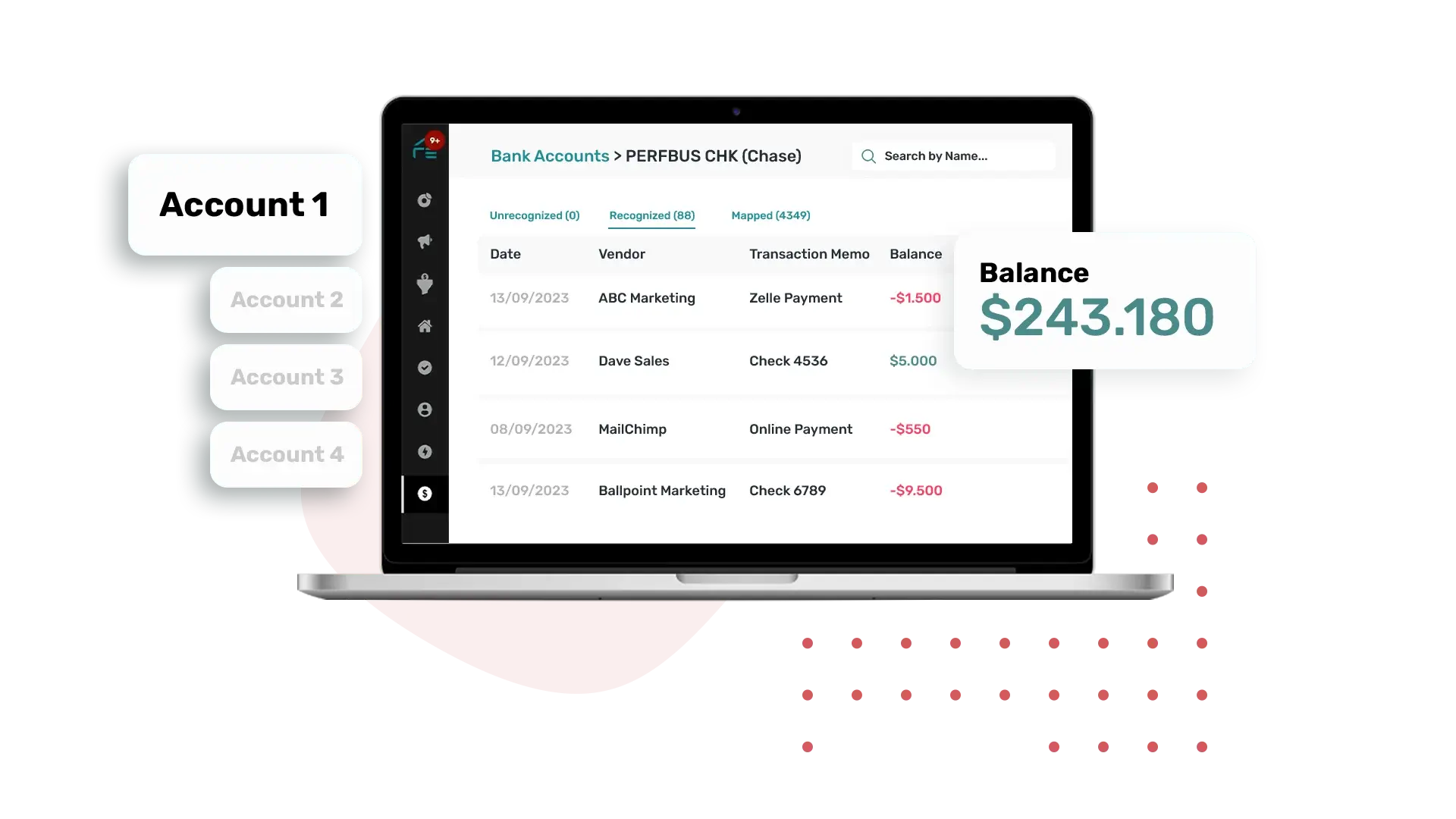
Income & Expense Tracking
Connect your bank account with REsimpli to accurately track income and expense. Simply select the transaction and map them.
User-Friendly
REsimpli is designed to be completely intuitive and user-friendly, allowing individual investors and larger teams to efficiently manage and analyze finances.
Decision-Making
Accurate tracking of income and expenses enables better decision-making and future planning.
Profit & Loss Reports
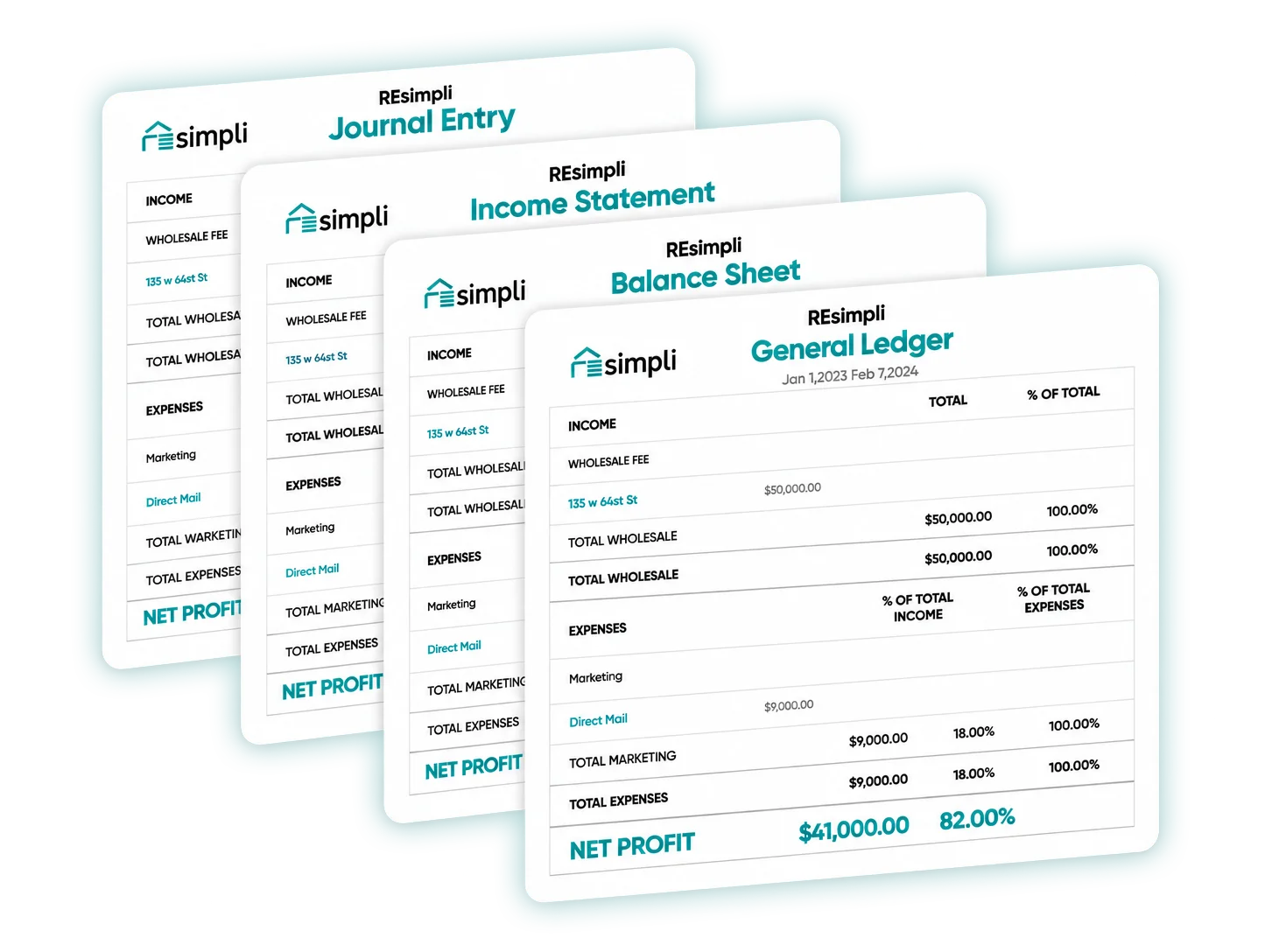
Generate profit and loss statements, including month-wise, property-wise, and vendor-wise views.
Balance Sheet & General Ledger
Generate balance sheet and general ledger reports to see the financial position and transaction history of your business.
Journal Entries
Generate journal entry reports for a more detailed view of your accounting activity.